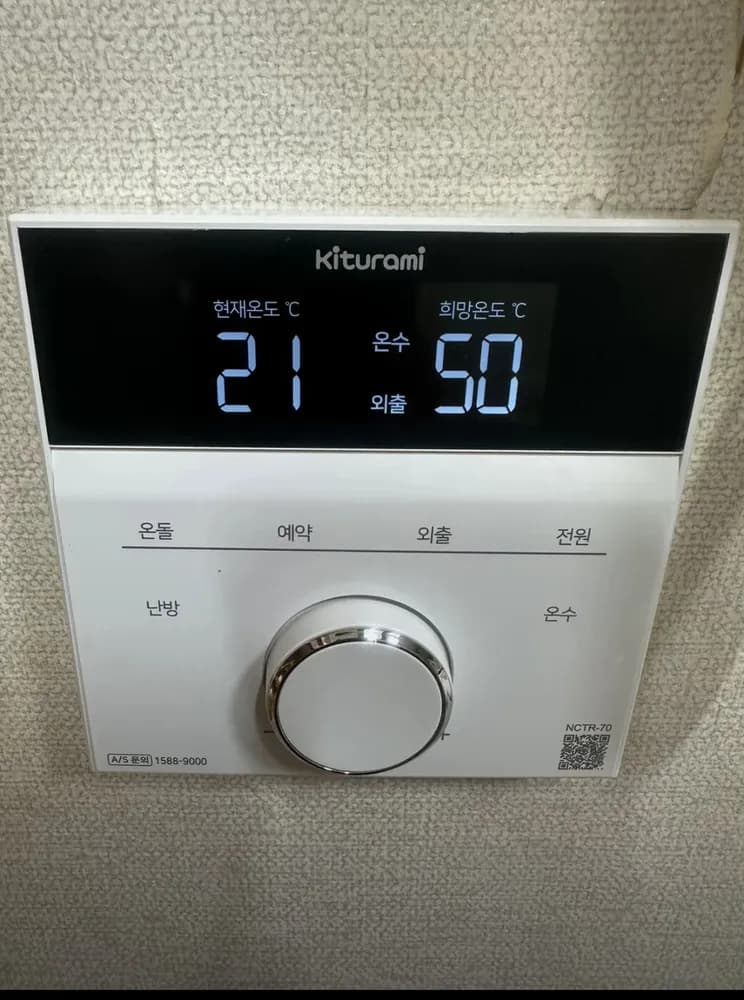
켜기
- 1Tap 전원 (top right word).
- 2The screen lights up.
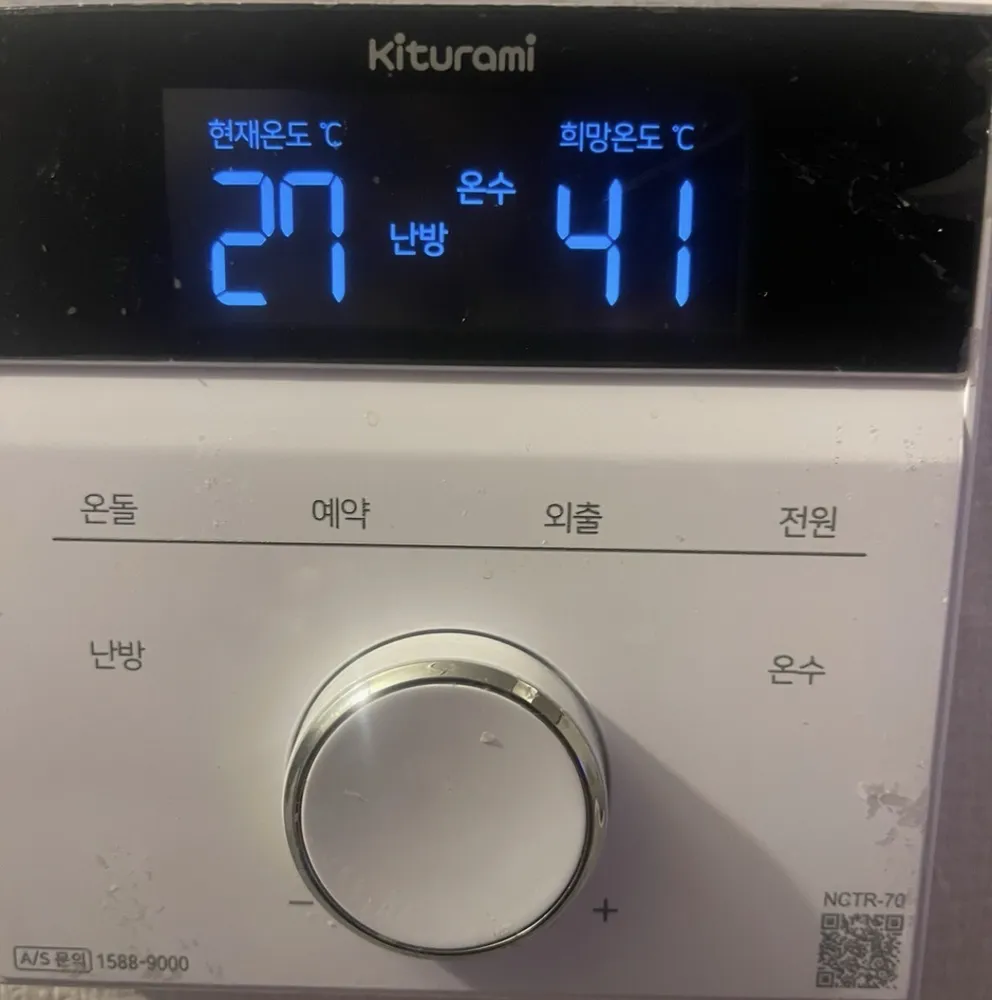
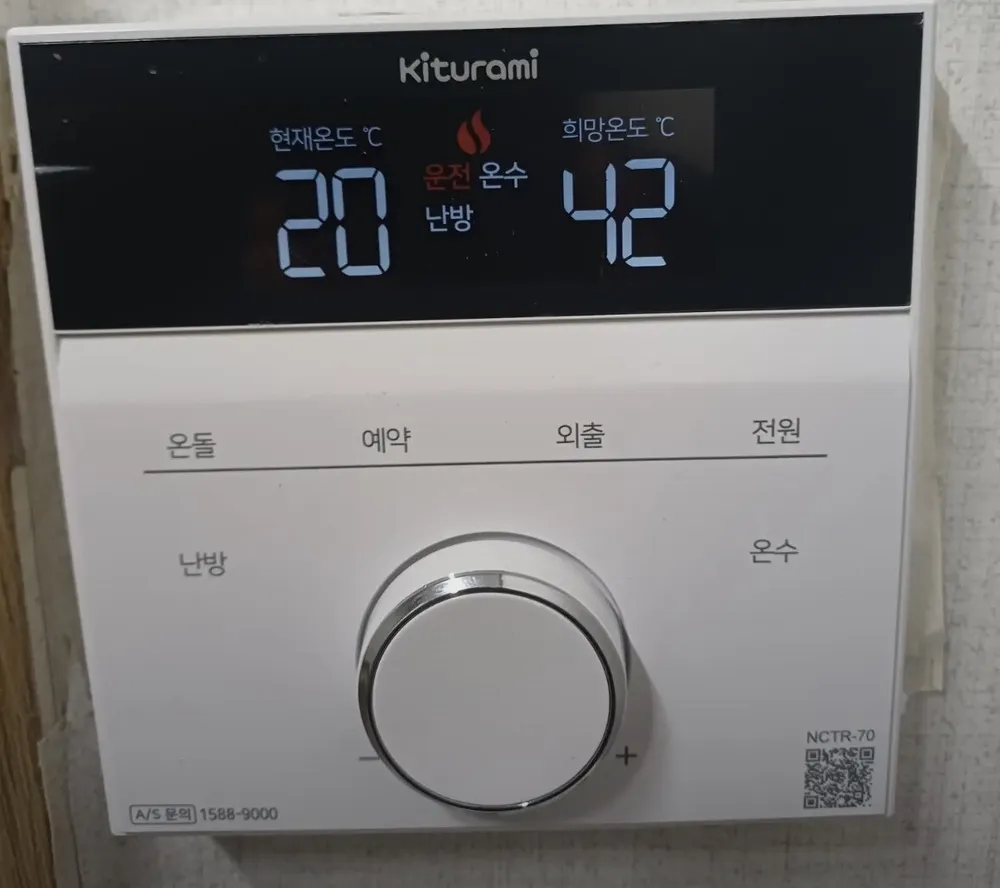
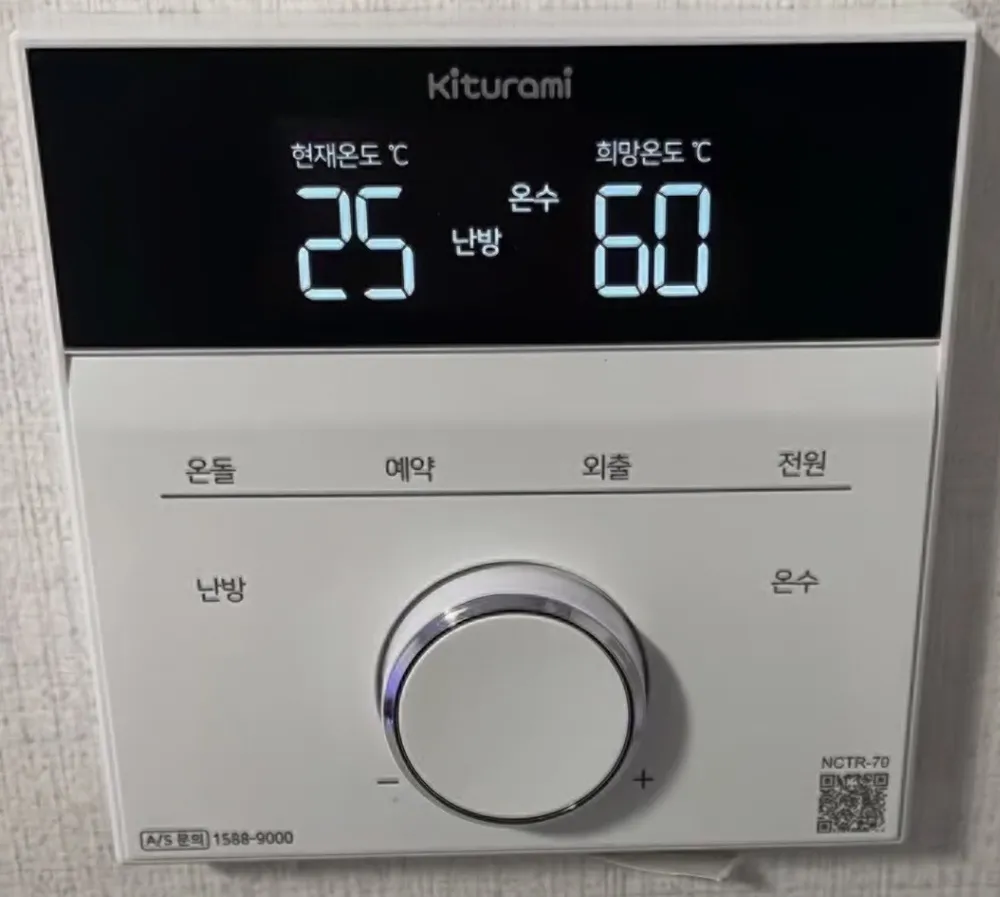
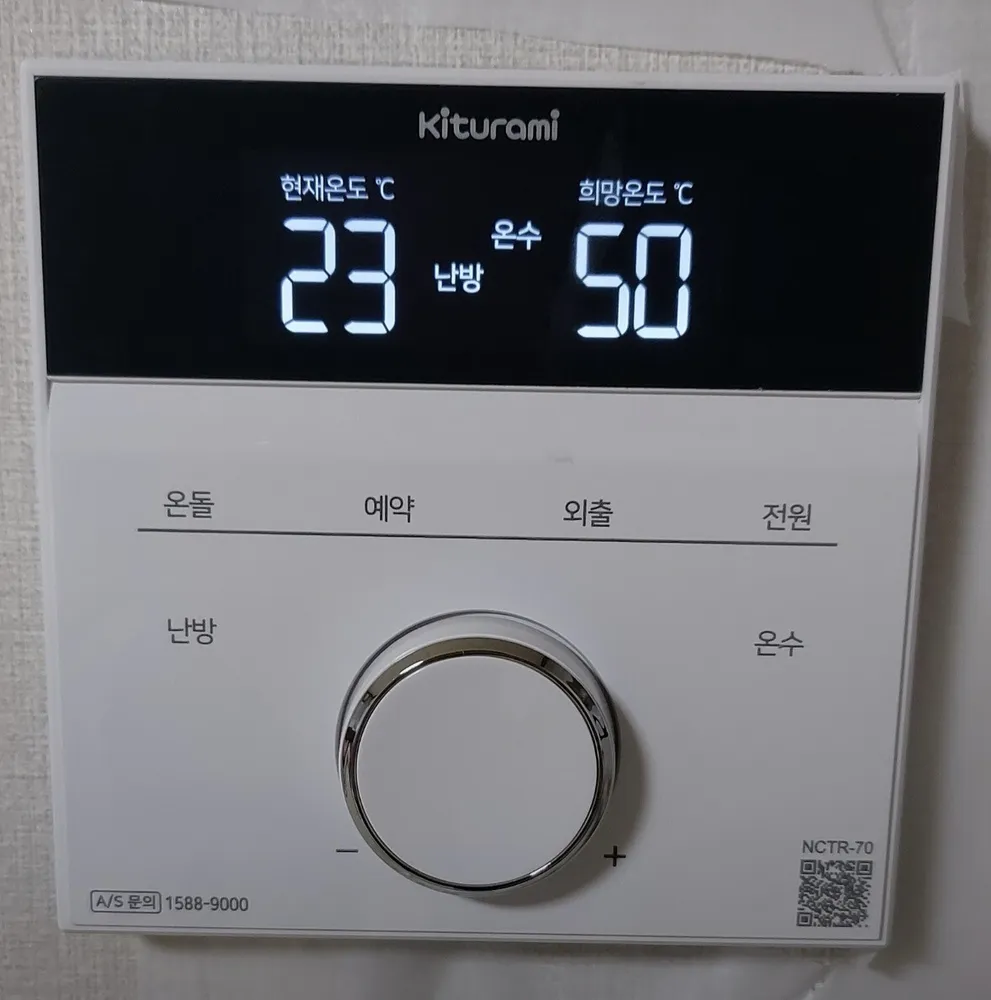
A modern white Kiturami controller: tap the printed words to pick a mode, turn the silver dial to change the number, then press the dial to save.
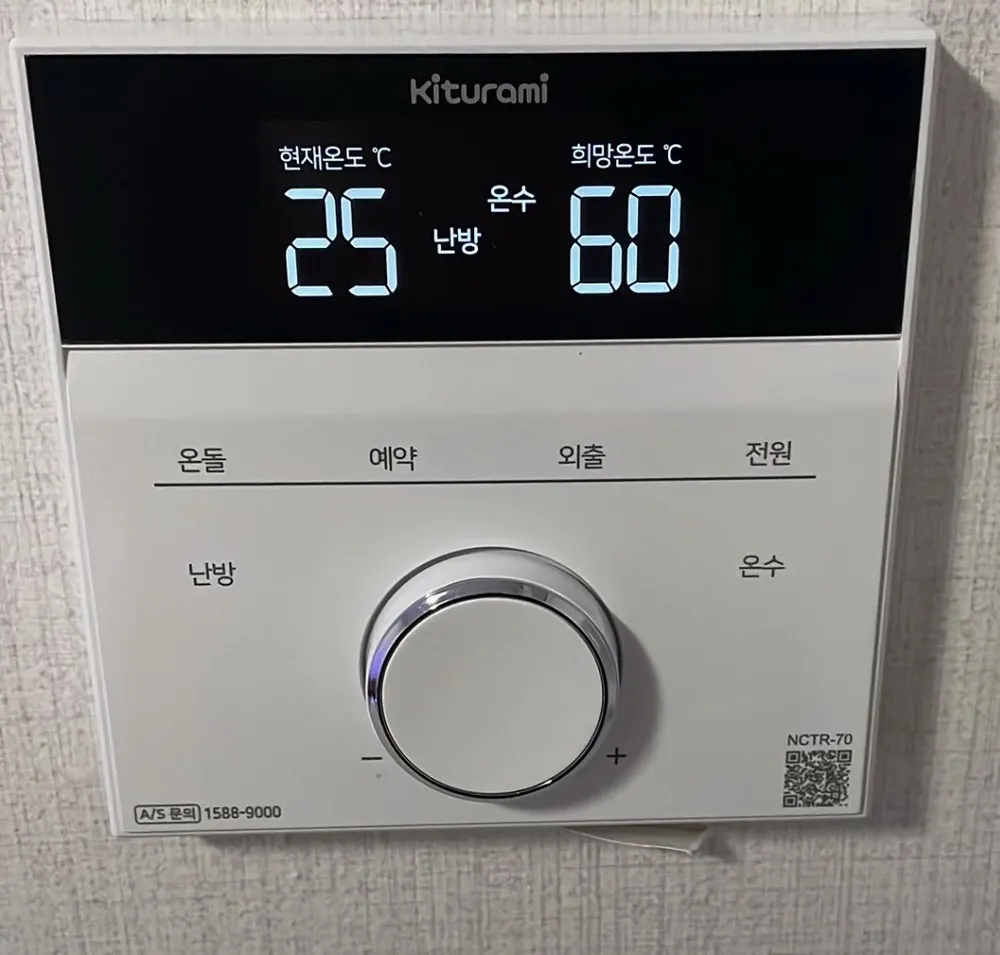
Winter: 난방 at 21–22°C. If the controller sits near a door, window or heater, use 온돌 at 70–80°C instead. Hot water 42–45°C. Out for the day: 외출.
| 현재온도 ℃ | Current temp | Room temp now (floor-water temp in 온돌 mode). |
|---|---|---|
| 희망온도 ℃ | Set temp | The temperature you set — usually hot water. |
| 난방 | Room heating | Room-thermostat heating is on. |
| 온돌 | Floor mode | Heating by floor-water temperature. |
| 온수 | Hot water | Hot water is available (works in every mode). |
| 목욕 | Bath | Extra-hot water; returns to the previous mode after 2 h 30 min. |
| 외출 | Away | Frost protection, fixed 8°C. |
| 운전 + flame icon | Running / burning | The boiler is firing right now. |
| alarm-clock icon, 가동 __분 / 정지 __시 | Timer | 예약 is on: runs __ minutes, rests __ hours. |
| $ | Saving | Eco/saving indicator (not explained further in the quick manual). |
| OF | Off (2-room setup) | In a two-controller home, the controller NOT in charge shows OF. |
Faults show as a code on the screen. The NCTR-70 quick manual does not list codes; tap 전원 off/on once to restart, and call 1588-9000 if the code returns.
A/S: 1588-9000