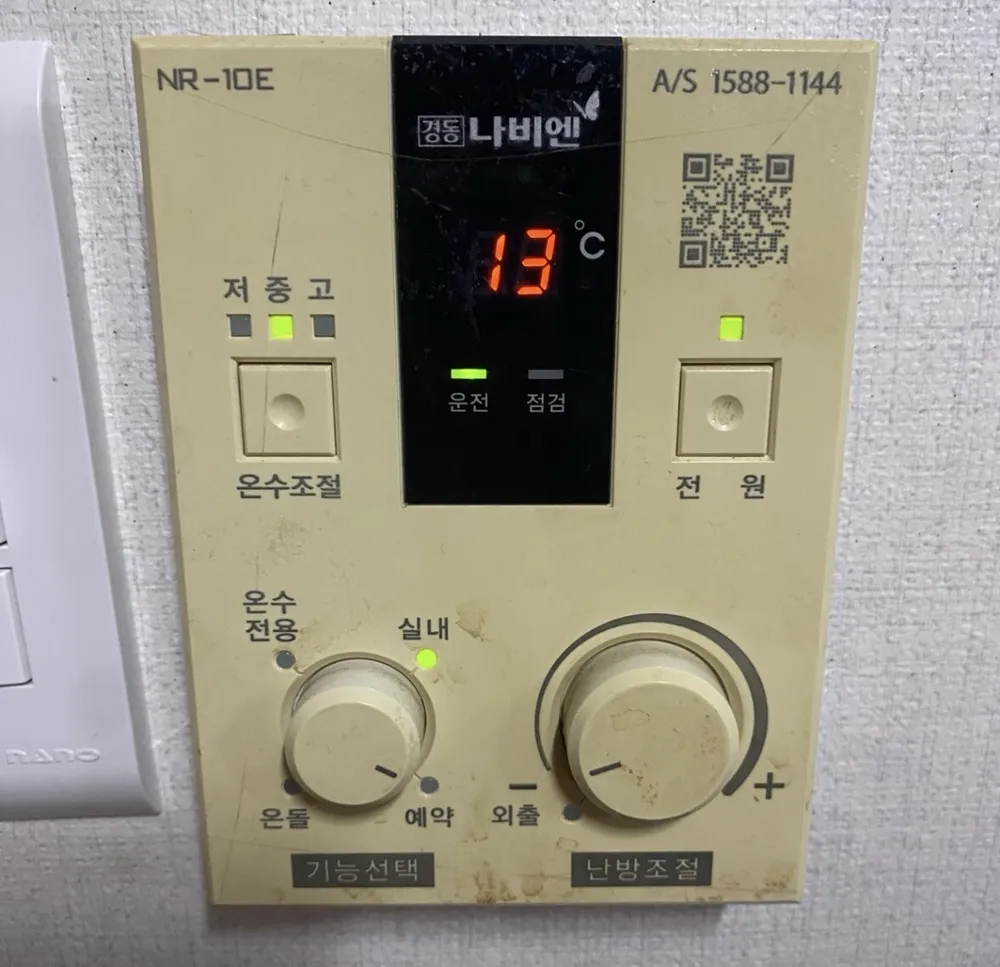
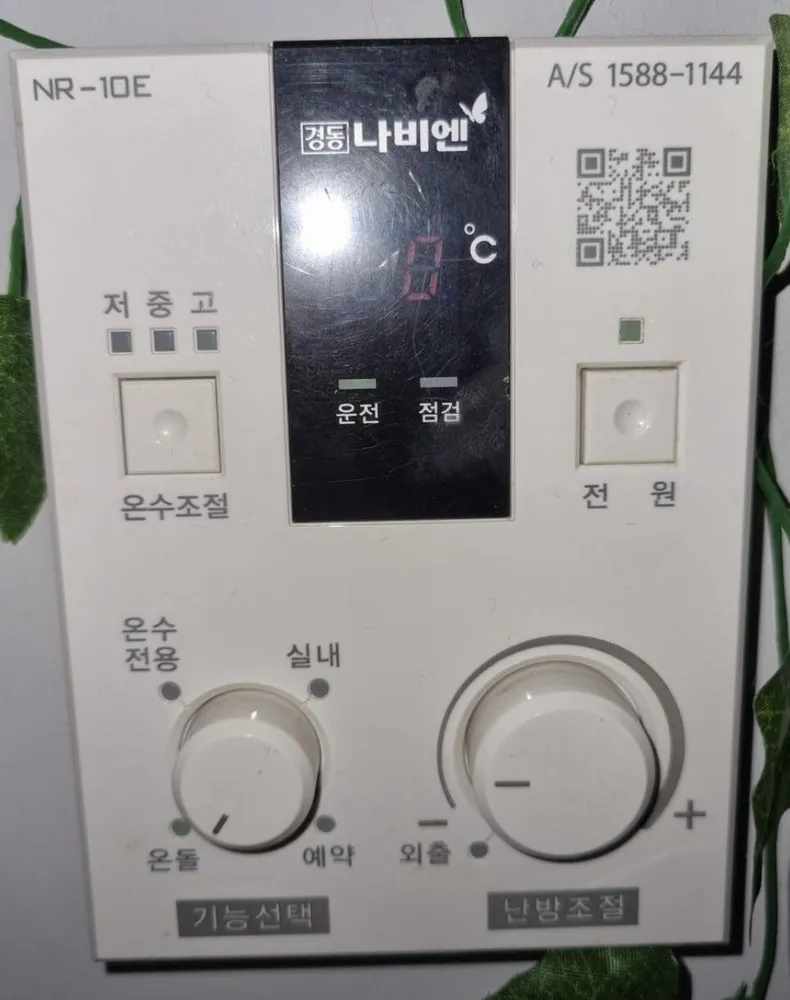
1Temperature display · 온도 표시창ondo pyosichangShows a temperature in °C. It switches off completely when the right dial is set to 외출 (Away).
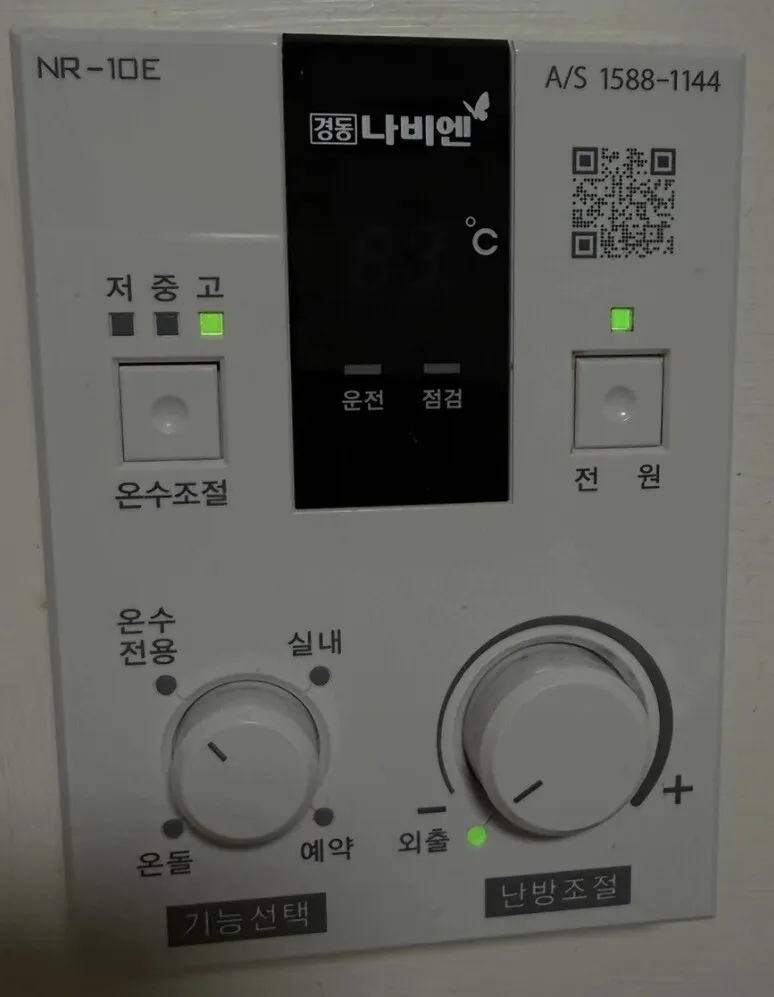
2Hot water Low / Medium / High lights · 저 / 중 / 고jeo / jung / goOne green light shows the current hot-water level. Low is coolest, High is hottest.
3Hot water level button · 온수조절onsu jojeolEach press moves hot water one step: Low → Medium → High.
4Running light · 운전unjeonGreen when the controller is on and the boiler is in operation.
5Check / fault light · 점검jeomgeomLights when the boiler has a fault. If it stays on, call A/S.
6Power light · 전원 램프jeonwon raempeuGreen when the controller is switched on.
7Power button · 전원jeonwonTurns the controller on or off. Off stops heating and hot water.
8Hot water only · 온수전용onsu jeonyongTurn the left dial here for hot water with no heating. Use it in summer.
9Room-air mode · 실내silnaeTurn the left dial here to heat until the room air reaches the temperature set on the right dial (10–40°C).
10Floor mode · 온돌ondolTurn the left dial here to heat the floor water to the temperature on the right dial (40–80°C).
11Timer (repeat) mode · 예약yeyakTurn the left dial here, then use the right dial to set the hours of pause between heating runs (0–9 h).
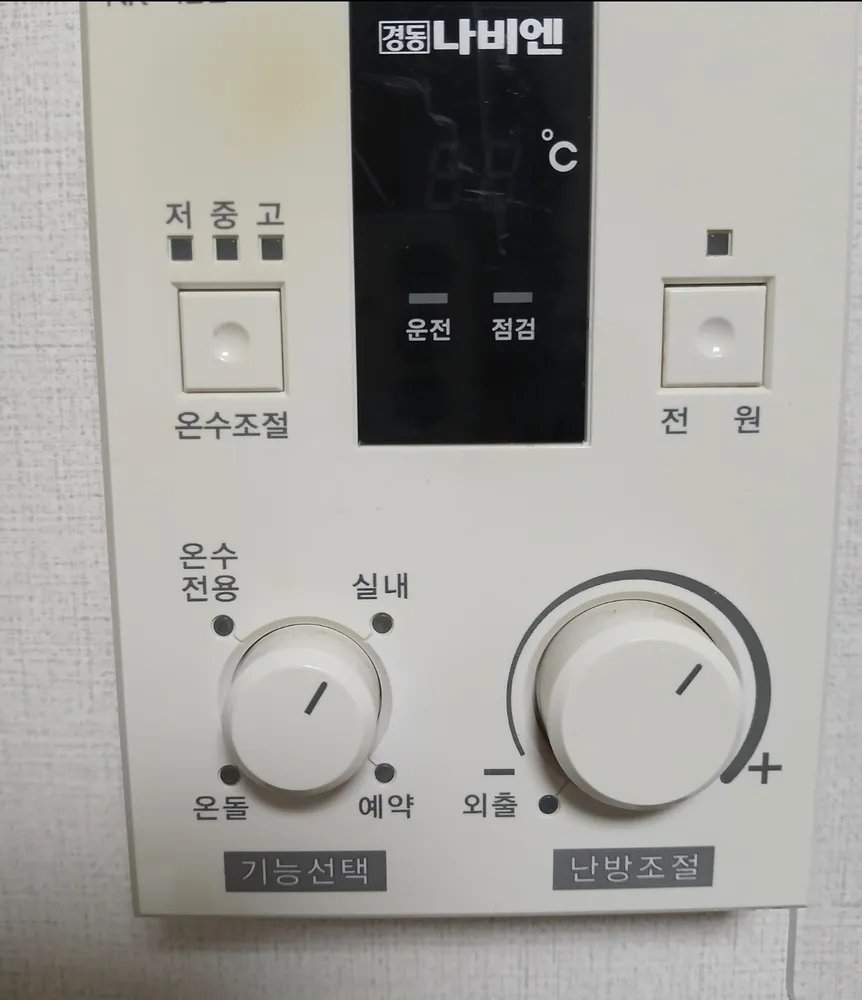
12Mode dial · 기능선택gineung seontaekPicks 온수전용 / 실내 / 온돌 / 예약. A light next to the chosen mode turns on.
13Away · 외출oechulTurn the right dial fully left to here: heating stops, hot water and frost protection stay on. The display goes dark.
14Heat dial · 난방조절nanbang jojeolSets the target: room temperature in 실내, floor-water temperature in 온돌, pause hours in 예약. Turn toward + for more.
15More · +peulleoseuTurning the heat dial toward + raises the setting.