Navien NR-25S 영어 설명

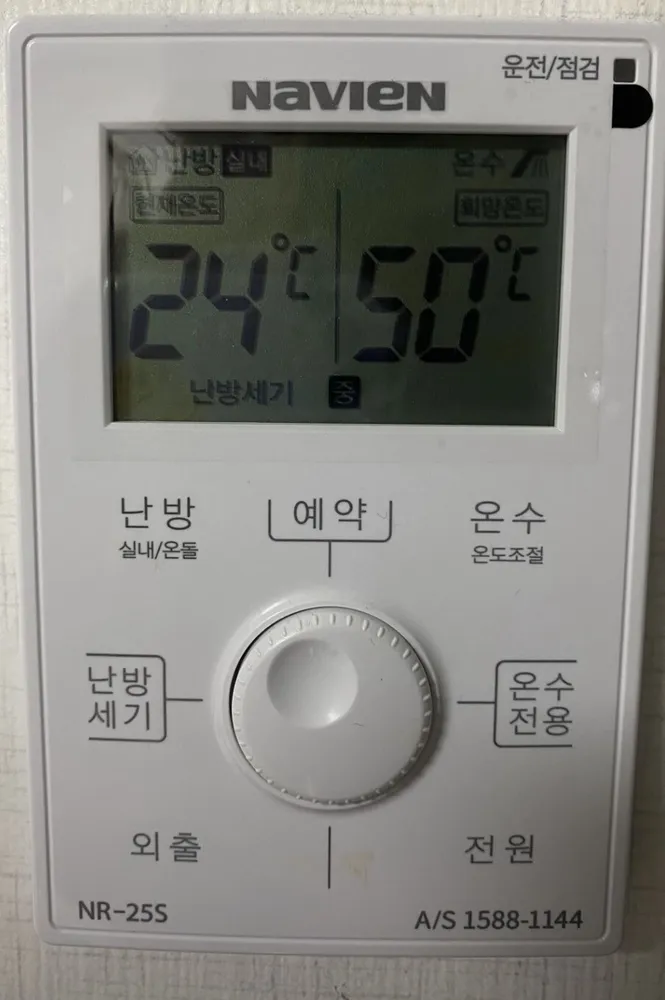
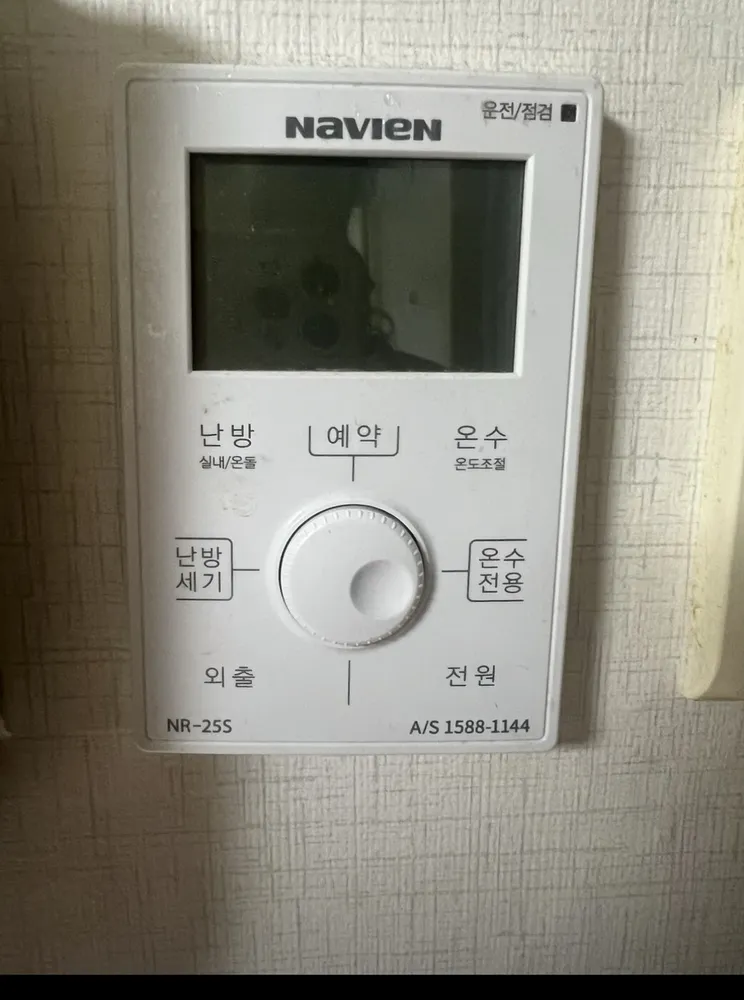
A white Navien controller with an orange screen and one round jog wheel: press the label you want around the wheel, then turn the wheel to set the number.
각 버튼은 무슨 기능인가요?

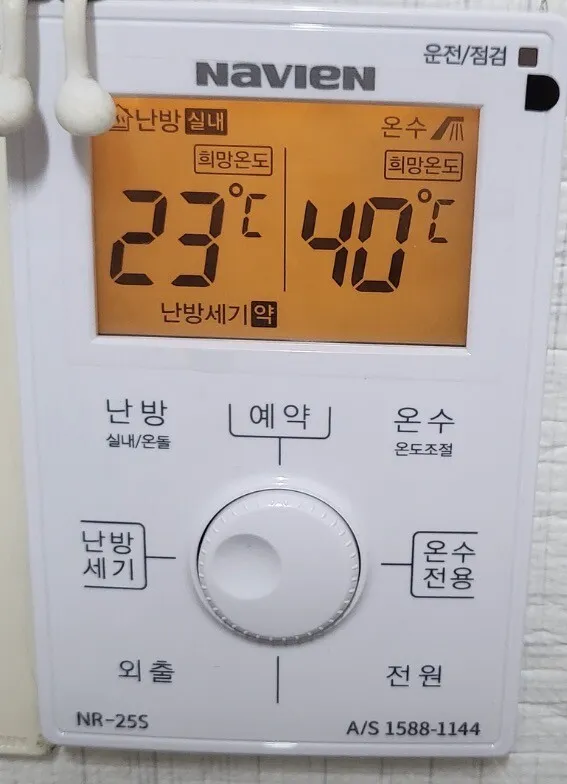
서울 집의 Navien NR-25S 보일러 조절기
  1. 1Running / check light · 운전/점검unjeon/jeomgeomStatus light: shows the boiler is running, or flags a fault.
  2. 2Heating mode shown · 난방 실내nanbang silnaeShows the current heating mode (실내 = room air; 온돌 = floor).
  3. 3Heating target · 난방 희망온도nanbang huimang ondoThe heating temperature you set (23°C here).
  4. 4Hot water · 온수onsuMarks the hot-water side of the screen.
  5. 5Hot-water target · 온수 희망온도onsu huimang ondoThe hot-water temperature you set (40°C here).
  6. 6Heating power: Low · 난방세기 약nanbang segi yakCurrent heating power level: 약 (low), 중 (medium) or 강 (high).
  7. 7Heating mode · 난방 (실내/온돌)nanbang (silnae/ondol)Press repeatedly to switch between 실내 (room air) and 온돌 (floor).
  8. 8Timer · 예약yeyakSets 'every __ hours, run __ minutes'.
  9. 9Hot-water temperature · 온수 (온도조절)onsu (ondo jojeol)Press, then turn the wheel for 30–60°C. Hold 2 s for quick hot water (10 min).
  10. 10Heating power · 난방세기nanbang segiPress, then turn the wheel to 약 / 중 / 강 to set how hard the boiler heats.
  11. 11Jog wheel · 다이얼daieolTurn it to change the blinking value. Settings save by themselves after a moment.
  12. 12Hot water only · 온수전용onsu jeonyongNo heating, hot water only. Pick a heating mode to undo.
  13. 13Away · 외출oechulStops heating while you are out; hot water and frost protection keep working. Press again to return to the previous setting.
  14. 14Power · 전원jeonwonOn / off. Off stops heating and hot water.

어떤 설정이 좋나요?

실내 at 21–23°C, 난방세기 중, hot water 45°C. In a cold room with poor insulation, 난방세기 강.

어떻게 하나요?

켜기

  1. 1Press 전원 (bottom right). The screen lights up.

실내 온도 맞추기

  1. 1Press 난방 (top left) until 실내 shows.
  2. 2Turn the wheel to 22.
  3. 3Wait a moment. It saves by itself.

온돌 모드

  1. 1Press 난방 until 온돌 shows.
  2. 2Turn the wheel to about 50 (range 30–65°C; some units 40–83°C).

며칠 집 비울 때

  1. 1Press 외출 (bottom left).
  2. 2To come back, press 외출 again. The previous setting returns.

예약 설정

  1. 1Press 예약 (top). The screen shows '○○시간마다 ○○분 가동'.
  2. 2Turn the wheel to choose every how many hours (1–24).
  3. 3Press 예약 again. The minutes blink.
  4. 4Turn the wheel to choose run minutes (10–50, in 10-min steps), then press 예약 to finish. Example: every 3 h, run 30 min.

온수만 (여름)

  1. 1Press 온수전용 (right).
  2. 2To heat again, press 난방 and choose a mode.

온수 온도 바꾸기

  1. 1Press 온수 (top right). The hot-water 희망온도 lights up.
  2. 2Turn the wheel to 45. It saves by itself.

끄기

  1. 1Press 전원.
  2. 2In winter use 외출 instead, so the pipes stay protected.

화면 글자는 무슨 뜻인가요?

난방 실내 / 온돌Heating: room / floorActive heating mode.
희망온도Target temperatureThe temperature you set (left = heating, right = hot water).
난방세기 약 / 중 / 강Heating power low / medium / highHow hard the boiler heats: its maximum output, not the temperature.
○○시간마다 ○○분 가동Every __ h, run __ minTimer setting.
빠른온수Quick hot waterQuick hot water is on; it ends after 10 min.
온수전용Hot water onlyHeating is off.
운전/점검Running / CheckStatus light at the top right.

이 모델에서 자주 헷갈리는 점

  • 난방세기 (약/중/강) is heating power, not temperature. 약 can make a big cold room warm up very slowly.
  • There is no + / −. Everything is set by turning the wheel after pressing a label.
  • To stop heating without 외출, set the target below the current room temperature.

에러가 떠요

Faults show on the 운전/점검 light at the top right. Note any code on the screen and call 1588-1144.

A/S: 1588-1144
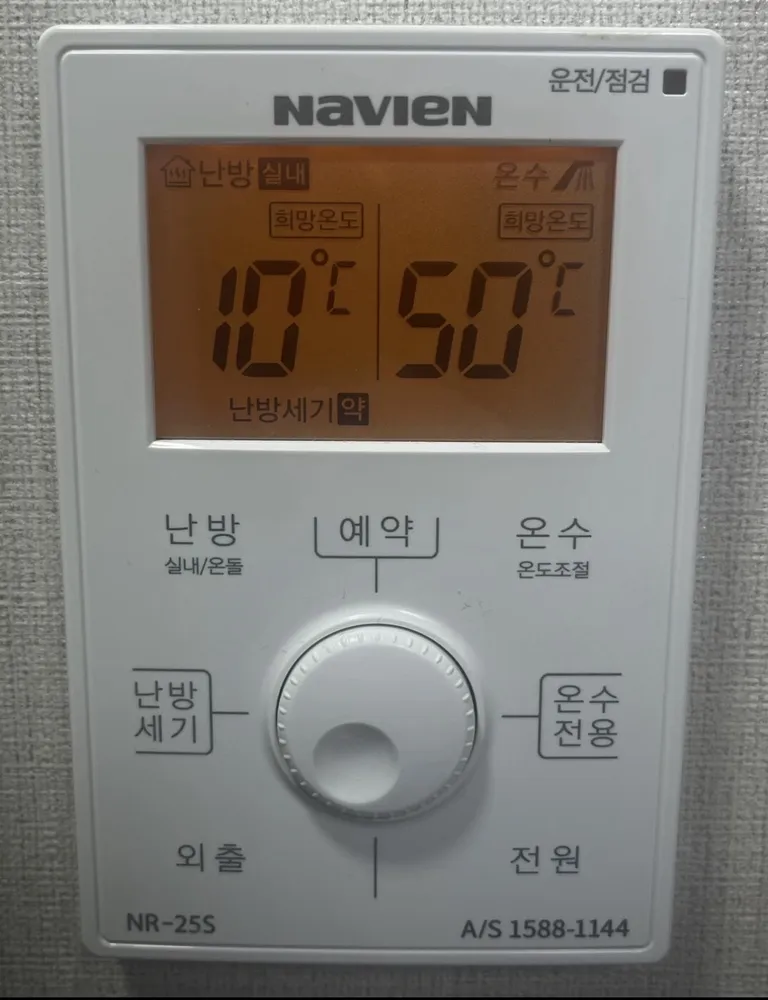
서울 집의 Navien NR-25S 보일러 조절기서울 집의 Navien NR-25S 보일러 조절기서울 집의 Navien NR-25S 보일러 조절기

다른 Navien 조절기

한국 난방 가이드 전체 보기 →

우리 집 보일러가 없나요?

사진 한 장을 보내주시면 영어로 설명해 드려요.

보내시면 개인정보처리방침에 동의하는 것으로 봅니다.

출처